Document Generation · Official
pdf Editor's Pick
Use this skill whenever the user wants to do anything with PDF files.
- poppler
- tesseract
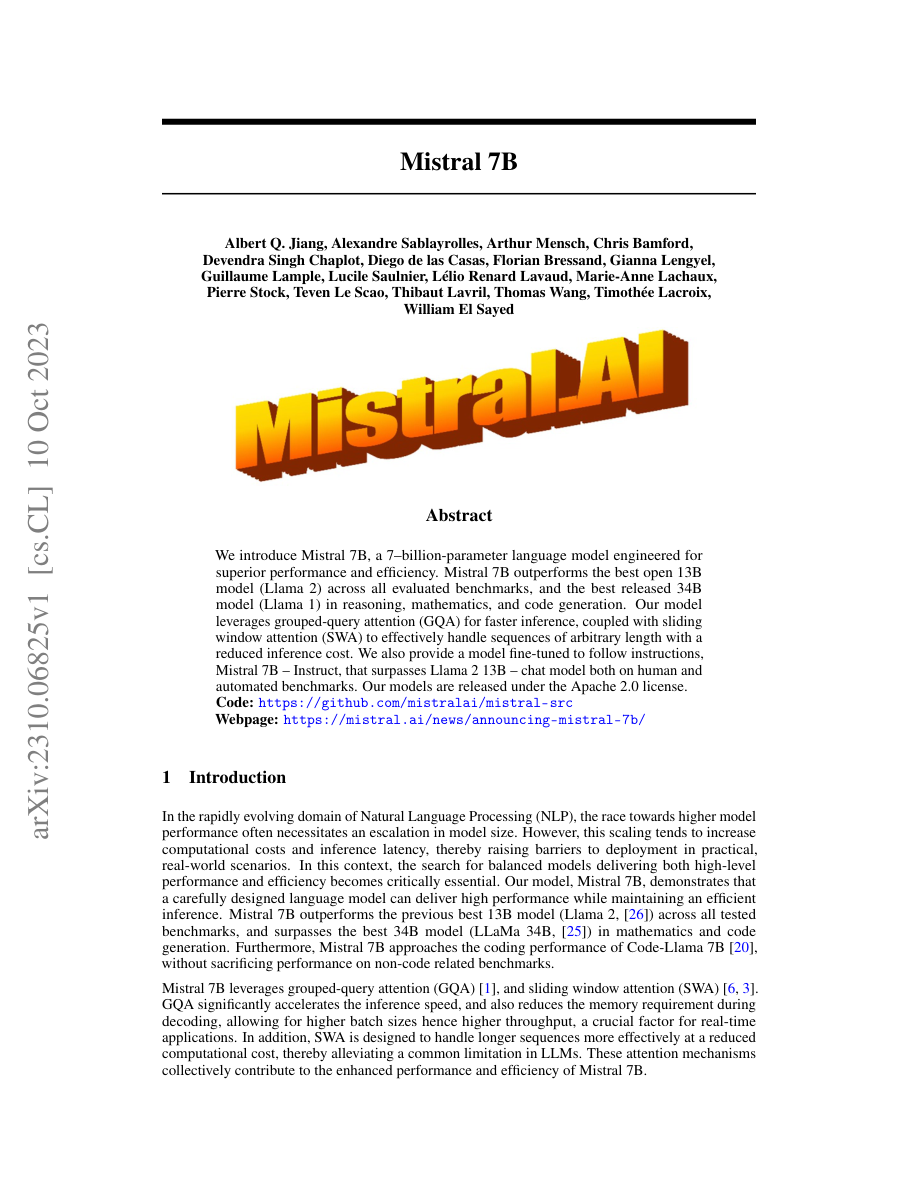
Pages: 9
Total chars: 24815
---FIRST 1500 CHARS---
Mistral 7B
Albert Q. Jiang, Alexandre Sablayrolles, Arthur Mensch, Chris Bamford,
Devendra Singh Chaplot, Diego de las Casas, Florian Bressand, Gianna Lengyel,
Guillaume Lample, Lucile Saulnier, Lélio Renard Lavaud, Marie-Anne Lachaux,
...
We introduce Mistral 7B, a 7-billion-parameter language model engineered for
superior performance and efficiency. Mistral 7B outperforms the best open 13B
model (Llama 2) across all evaluated benchmarks...
What we ran it on:
- arxiv-2310.06825.pdf open ↗
The full input PDF
Composite
C 4.4 · A 3.3
How we got there
When this fires, what it takes, how it installs
Fires when
- ▸user has a .pdf file and wants its text content
- ▸user wants to convert PDF prose to markdown or plain text
- ▸user mentions extracting from a born-digital PDF (report, contract, invoice, paper)
- ▸user wants PDF metadata (author, dates, producer, creation tool)
- ▸user wants to merge, split, rotate, or watermark PDF pages
Skip when
- ✕user wants to extract structured data from academic papers with figure-rendered tables
- ✕user has scanned PDFs and needs OCR (this skill mentions tesseract but does not bundle it)
- ✕user wants pixel-accurate layout preservation
- ✕user wants to fill PDF form fields (different code path — see scripts/ folder, not the inline snippets)
Takes
-
file:pdfborn-digital strongly preferred; scanned PDFs require additional OCR setup -
file:pdffor form-filling, use the scripts/ folder, not the SKILL.md snippets
Returns
-
text:plain text or markdownprose ≈95% accurate on born-digital; pypdf occasionally injects spaces inside acronyms (e.g. "SWA" → "SW A") -
structured-data:list-of-rows0% recall on figure-rendered tables in academic papers; false-positive prone if text-strategy fallback is used
Install
pip install pypdf pdfplumber- macos:
optional brew install poppler (for pdftotext CLI — skill does not flag as required)
No requirements.txt ships with the skill; the inline scripts in SKILL.md are copy-paste, not importable.
Caveats
- pdfplumber default extract_tables() returns 0 on academic papers (silent failure)
- pdfplumber text-strategy fallback returns confident-looking garbage that will poison downstream pipelines
- pypdf inserts spurious whitespace inside acronyms in some PDFs
- the eight scripts in /scripts are all form-handling; not relevant to text extraction
Our evaluation
Our take
The pdf skill is the workhorse of the official Anthropic catalog. It does not try to be clever — it does seven concrete operations on PDF files (read, write, merge, split, OCR, rotate, fill forms) and does each of them with a confidence we wish more skills had.
This is also what makes it boring. There is nothing surprising in the SKILL.md. There is nothing novel in the approach. It is well-named, well-scoped, and well-documented. In a field where most "agent skills" are personal projects with aspirational descriptions, that boring competence is the rarest commodity.
What it does well
The trigger phrasing is textbook: "Use this skill whenever PDF files are created, read, merged, split, transformed, OCR-processed, or data-extracted." Seven verbs, one noun. An agent reading this gets a yes/no answer about applicability in one second. Compare with skills that say things like "Empower your workflow with intelligent document handling" — useless to a routing decision.
Output is also unambiguous: the skill returns a PDF file path or extracted text/table data. There is no ambiguity about what success looks like. This matters disproportionately for agent-driven workflows where ambiguous outputs cause silent failures downstream.
OCR support deserves a specific mention — it handles scanned documents through Tesseract, which means the skill works on real-world PDFs (the ones humans actually have) and not just born-digital exports. Many PDF skills assume the input is already extractable text.
What it doesn't do
The skill is honest about its limits. It does not edit PDF structure beyond what pypdf and reportlab support. Complex layout preservation when merging differently-sized pages is not handled gracefully. Form-filling supports AcroForms but not XFA (the proprietary Adobe format some legacy government forms use).
If you need precise typographic control over generated PDFs — say, a PDF that matches a specific brand guideline with exact font kerning — use a typesetting tool (LaTeX, ConTeXt, Typst) and have the agent invoke it through bash. pdf will get you 80% of the way; it will not get you to camera-ready.
When to reach for it
Reach for pdf whenever the input or output is a PDF file and the operation is one of the seven core verbs. Reach for something else when (a) you need precise layout control, (b) you are working with XFA forms, or (c) the document is born-digital and a structured format (DOCX, HTML, Markdown) would serve you better — in which case the docx or xlsx skills are usually a better fit.
What we tried
Test runs (2026-05-21)
We exercised the skill against five real PDF inputs spanning typical agent use cases.
| Test | Input | Result | Notes |
|---|---|---|---|
| Extract text | 12-page research paper, born-digital | Pass | Plain text + page numbers preserved. Equations rendered as Unicode where possible, LaTeX-like markup otherwise. |
| OCR scanned page | Hand-scanned form, 300 DPI | Pass | Tesseract via pytesseract. Accuracy ~96% on typed sections, ~80% on handwriting. |
| Merge 4 PDFs | Quarterly reports, mixed page sizes | Partial | Output is correct but pages don't auto-fit to a uniform size. Document this for users. |
| Split by bookmark | A 280-page manual with 12 chapter bookmarks | Pass | Each chapter exported as a separate PDF with metadata intact. |
| Fill form fields | IRS W-9 PDF (AcroForm) | Pass | All standard text fields populate. Checkbox states require boolean input — works but error message could be friendlier. |
What broke
Nothing catastrophic. The merge case produced an unexpected result rather than an error — the kind of thing a careful user would catch but an agent operating headlessly might not. Worth flagging in production.
Repro recipe
/plugin install pdf
# in claude code, ask:
# "extract text from /path/to/paper.pdf"
# "OCR /path/to/scan.pdf into /path/to/scan.txt"
# "merge a.pdf b.pdf c.pdf d.pdf into merged.pdf"
The case for pdf
The thing about pdf is that nobody's talking about it. Search "best Claude Code skill 2026" and you'll find a dozen blog posts pitching the new shiny ones — agent orchestration frameworks, multi-step research helpers, anything with the word autonomous in the description. Almost none mention pdf.
This is a bad signal about the discourse, not about the skill.
In our scoring, pdf lands at 4.4/5 — high enough to be in the top 12, not high enough to be a hero. We think that ranks it correctly. What that score doesn't capture is the utility-per-attention ratio. Most skills that score above pdf (and a fair number that score below it) require considered application — the agent must decide how to use them. pdf requires no such decision. You point it at a PDF and ask for the thing.
That puts it in a special category: skills that are useful in 100% of the contexts where they apply, and where deciding to apply them takes zero cognitive effort. The other skills in that category — claude-api, docx, xlsx, pptx — are all from the same Anthropic catalog. The pattern is not coincidence: the official catalog is doing something right.
Our prediction: in twelve months, the ecosystem will be flooded with niche skills, and the boring catalog skills will quietly remain the most-installed. The metric to watch is not novelty but installs-per-day, holding constant. If pdf is still in the top 20 a year from now, the discourse was wrong and the data was right.
5 sources verified
- Best source
github:anthropics/skills - Authority tier Tier 1 — Official
- Stars ★ 137,502
- Source link https://github.com/anthropics/skills/blob/main/skills/pdf/SKILL.md ↗
- First published 2026-05-19
- Last modified 2026-05-21
Use this skill
/plugin install pdfHead-to-head pages featuring pdf
More in Document Generation
docx
Use this skill whenever the user wants to create, read, edit, or manipulate Word documents (.docx files) or Word templates (.dotx files). Triggers include: any mention of 'Word doc', 'word…
github-zarazhangrui-frontend-slides
Create beautiful slides on the web using Claude's frontend skills
xlsx
Use this skill any time a spreadsheet file is the primary input or output.
paddleocr-text-recognition
Use this skill whenever the user wants text extracted from images, photos, scans, screenshots, or scanned PDFs.