Content & Writing · Official
algorithmic-art
Creating algorithmic art using p5.js with seeded randomness and interactive parameter exploration. Use this when users request creating art using code, generative art, algorithmic art, flow fields,…
- philosophy → expression
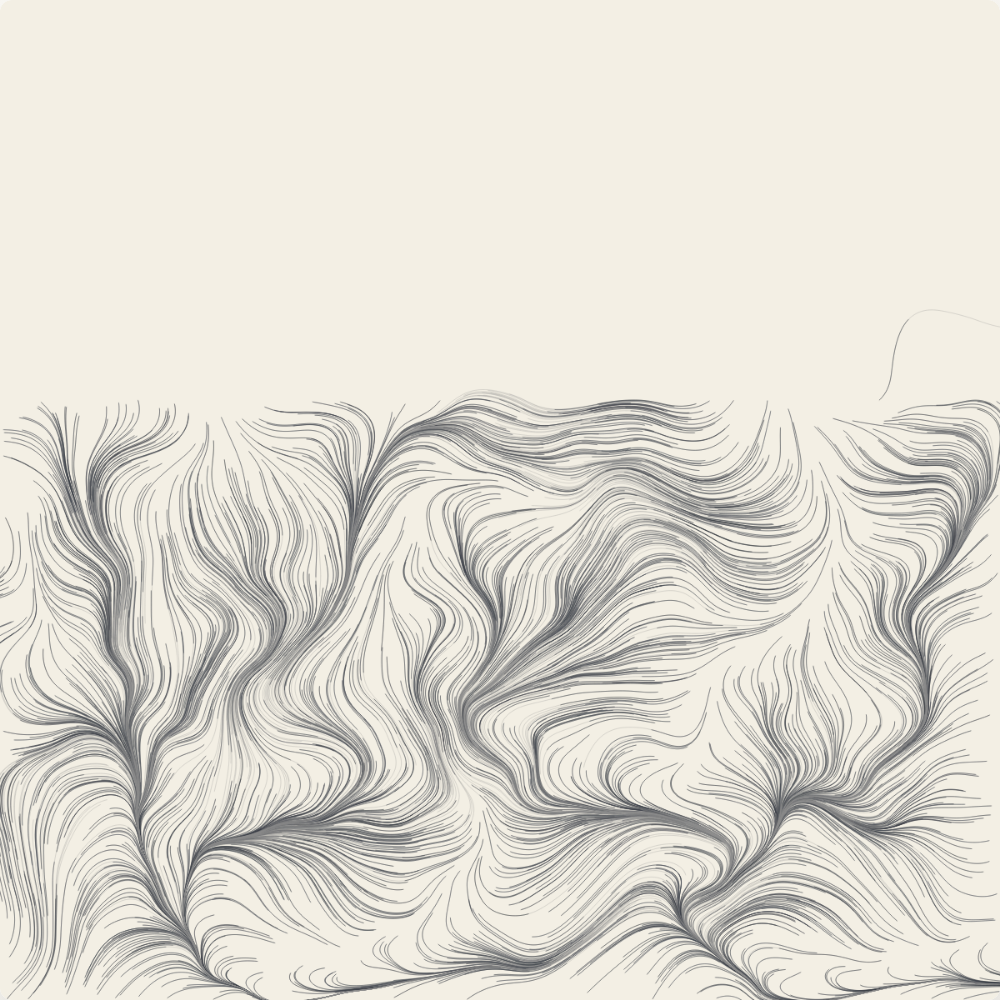

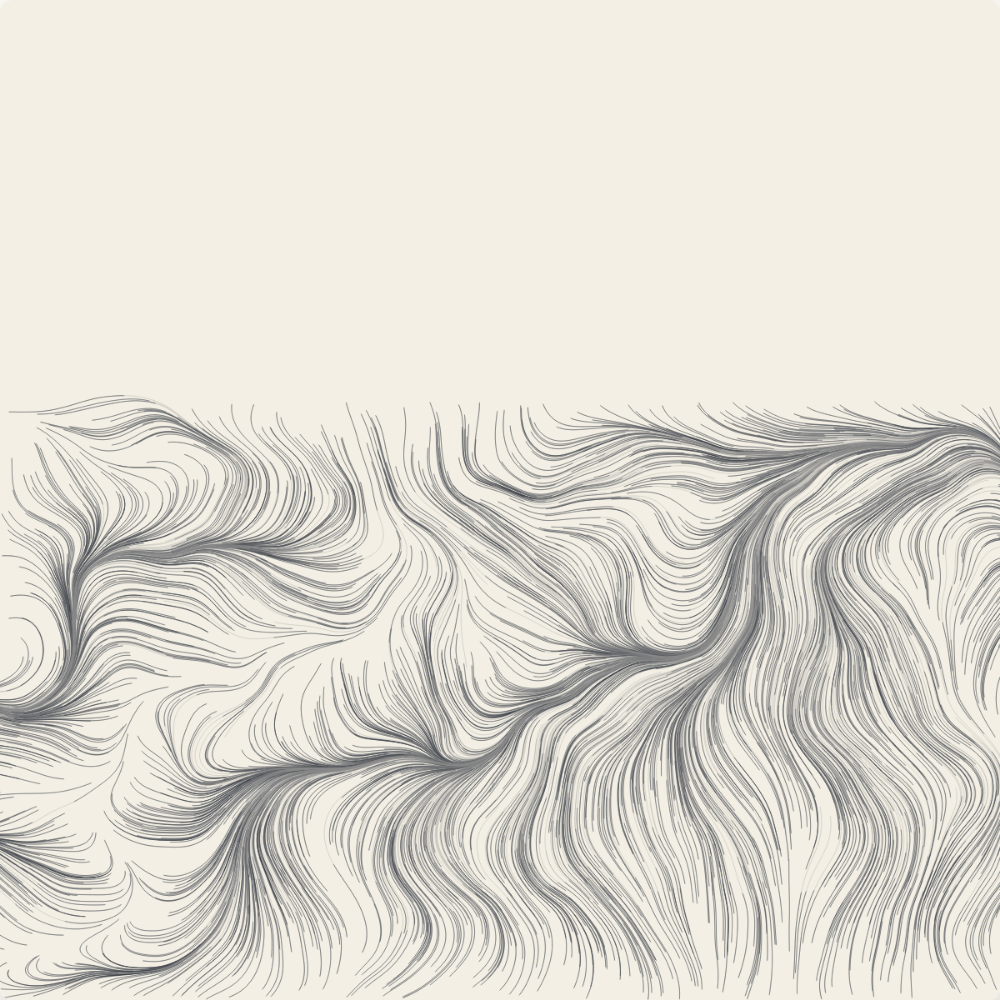
What we ran it on:
-
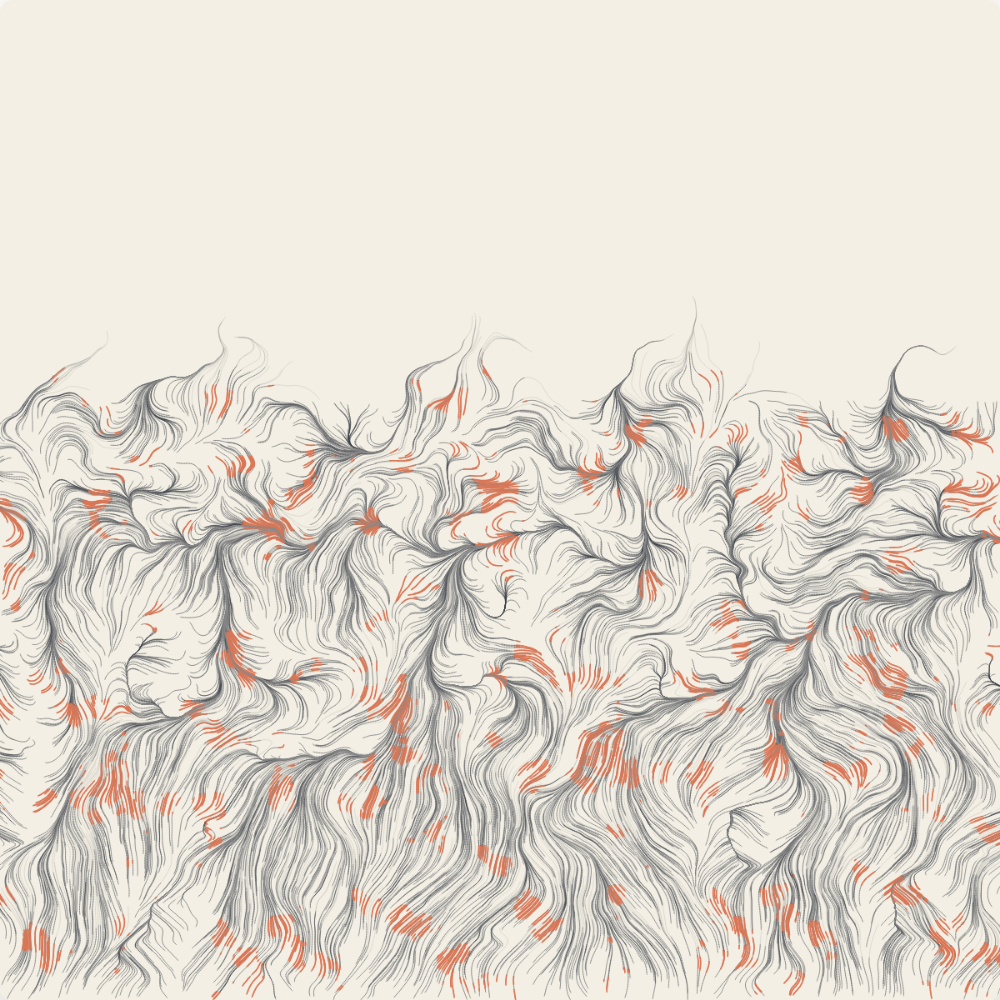
Edge case — all six sliders at extremes (6000 particles, lifespan=60, noise=0.01, bias=1.0, step=2.0, flare=0.6). Algorithm completes (2.4s) but the "honorable retreat" thesis visually collapses: short lifespan + long steps prevent real ascent, low flare threshold floods the field with warm color. The sliders give you noise, not craft.
-
Structural summary — what the skill ships and what one full run produces.
Skill structure (what actually ships):
  SKILL.md                            ~400 lines of protocol
  templates/viewer.html               REQUIRED starting point (~600 lines)
  templates/generator_template.js     reference best-practices file
  LICENSE.txt                         (license terms)

Two-step protocol the skill walks Claude through:
  1. Algorithmic Philosophy Creation (.md, 4-6 paragraphs)
  2. p5.js implementation built on viewer.html

Fixed sections of viewer.html (must not be changed):
  - Anthropic colors/fonts (Poppins/Lora, light theme)
  - Sidebar layout (Seed → Parameters → Colors? → Actions)
  - Seed navigation (prev/next/random/jump)
  - Action buttons (Reset, Download PNG)

Variable sections (entire art is here):
  - p5.js algorithm (setup/draw/classes)
  - params object
  - parameter UI control groups
  - optional Colors section

Our run (single representative prompt → philosophy.md → viewer.html →
four headless PNG captures):
  philosophy.md:        3.3 KB, 6 paragraphs
  viewer.html:          20.1 KB, single file, p5.js from CDN
  seed-1978.png:        855 KB, 3.7s render
  seed-1953.png:        971 KB, 3.7s render
  seed-42.png:          895 KB, 3.7s render
  edge-extreme.png:    1022 KB, 2.4s render
  deterministic across runs at the same seed: yes
Composite
C 4.5 · A 3.4
How we got there
When this fires, what it takes, how it installs
Fires when
- ▸user asks for generative art, algorithmic art, flow fields, or particle systems built in code
- ▸user wants a single self-contained interactive p5.js HTML artifact (claude.ai-compatible)
- ▸user wants seeded, reproducible generative art (Art Blocks pattern) with seed navigation
- ▸user wants a written manifesto / philosophy alongside the visual output
Skip when
- ✕user wants the assistant to "make this exact picture" — the skill explicitly resists style-copying and steers toward original algorithmic expression
- ✕user needs a 3D / WebGL / shader pipeline — this is 2D p5.js only
- ✕user wants the art on a non-HTML surface (SVG export, vector PDF, native canvas in a Figma plugin, etc.)
- ✕user wants a fill-in-the-blanks generator with no creative authoring — this is "write the algorithm" not "click a preset"
- ✕user wants animation that loops forever — the skill assumes a single rendered composition with optional seed navigation
Takes
-
prompt:free texta brief, evocative request — the skill explicitly leaves "creative space" for interpretation rather than expecting a tight spec
Returns
-
file:markdown4-6 paragraph algorithmic philosophy (.md); structured per SKILL.md's manifesto template -
file:htmlself-contained p5.js viewer (~20KB), seed controls + parameter sliders + Download PNG; renders to 1200×1200 canvas in ~3.7s headless
Install
Zero install footprint. The skill is pure SKILL.md + a viewer.html template + a generator_template.js reference. Output runs in any browser via the p5.js CDN; no toolchain required for the user. (Our review used Node + Puppeteer + system Chrome to capture the canvas as PNG headlessly — that's our test rig, not a skill dependency.)
Caveats
- Craftsmanship is load-bearing on the human (or Claude) writing the algorithm. The SKILL.md repeats "meticulously crafted" / "master-level implementation" many times, but the sliders themselves do not enforce taste — at extreme parameter combinations the output degrades to visual noise (see edge-extreme.png). The skill's output is only as refined as the algorithm someone hand-writes for it.
- No bundled example artifact. First-time users must read templates/viewer.html in full and infer "the flow-field example in setup() is to be deleted and replaced". The template's `draw()` body is literally `// fill this in` — a fresh artifact will render nothing until the algorithm is authored.
- Seed-validation hygiene in templates/viewer.html: `if (newSeed && newSeed > 0)` silently rejects 0 without restoring the previous valid seed in the input box. Minor, but inherited by every artifact the skill produces.
- The viewer template ships an example particle-trail algorithm inside the comment-fenced "VARIABLE" sections. Easy to copy by accident when SKILL.md explicitly says "don't copy the flow field example — build what the philosophy demands". The temptation to keep the example skeleton is real.
- Output is HTML-only. No SVG, no vector, no print-grade export. The Download PNG button is the only way out, and it captures the canvas at native 1200×1200 resolution (no high-DPI option).
- Skill explicitly steers away from "this style by this artist" prompts (copyright defensiveness). Users wanting a specific artist's aesthetic will get an algorithmic reinterpretation, not a copy.
3 sources verified
- Best source
github:anthropics/skills - Authority tier Tier 1 — Official
- Stars ★ 137,502
- Source link https://github.com/anthropics/skills/blob/main/skills/algorithmic-art/SKILL.md ↗
- First published 2026-05-19
Use this skill
/plugin install algorithmic-artMore in Content & Writing
github-swyxio-spark-joy
✨😂 2000+ ways to add design flair, user delight, and whimsy to your product.
github-swyxio-swyxio
<!--<h3 align="center"  </h3 --
doc-coauthoring
Guide users through a structured workflow for co-authoring documentation.
figma-use
**MANDATORY prerequisite** — you MUST invoke this skill BEFORE every `use_figma` tool call.
Auto-indexed. Editorial review pending — score is based on the rubric only.